Introduction
Engineering is not only about theories and equations; it is also about visualizing ideas and communicating them effectively. This is where Engineering Graphics and Solid Modelling (GET 102) comes in. As part of the General Education Training curriculum, this course provides first-year students with the essential tools to represent, analyze, and bring their engineering ideas to life.
What is Engineering Graphics?
Engineering Graphics is the language of engineers. It involves the use of technical drawings to communicate designs, structures, and mechanisms clearly. Unlike artistic sketches, engineering drawings follow international standards, ensuring that anyone across the world can interpret the design the same way.
- Orthographic projections
- Isometric views
- Dimensioning and tolerancing
- Sectional views
- Freehand sketching
Solid Modelling and Why It Matters
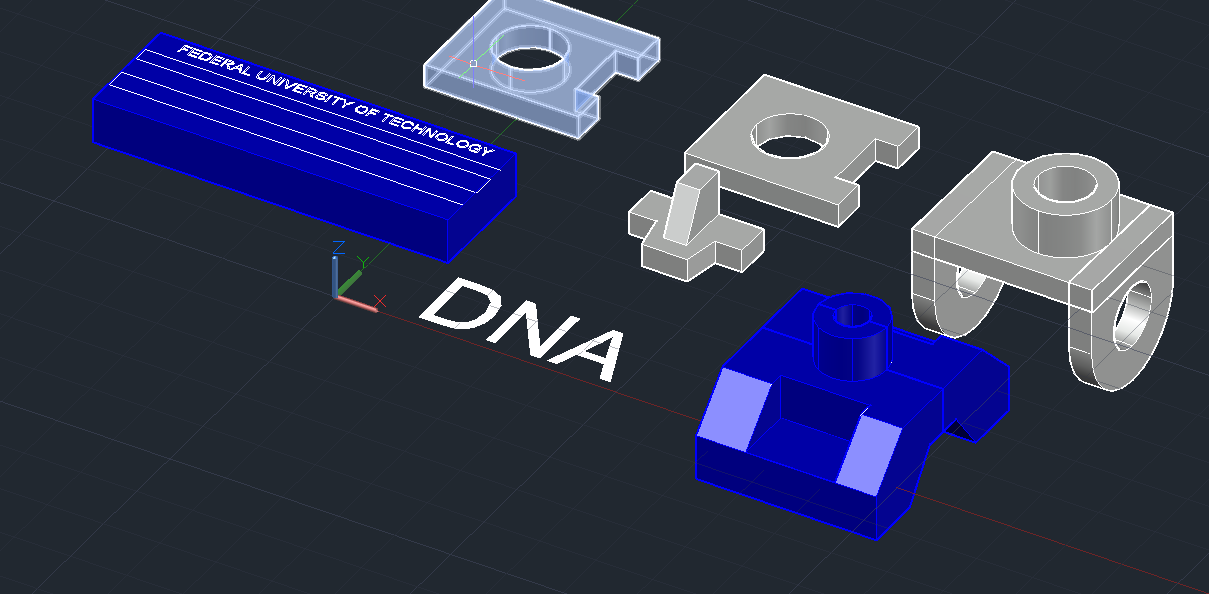
Solid Modelling is the 3D representation of engineering objects using CAD (Computer-Aided Design) software. Unlike 2D drawings, solid models provide depth, realism, and functionality testing before manufacturing.
Benefits include:
- Easy visualization of designs
- Detection of errors before production
- Virtual simulation and testing
- Basis for 3D printing and advanced manufacturing
Tools and Software
Some popular tools you may encounter include:
- AutoCAD
- SolidWorks
- Fusion 360
- CATIA / Pro-E
Conclusion
Engineering Graphics and Solid Modelling (GET 102) is not just a compulsory course; it is a gateway to thinking like an engineer. By mastering it early, students gain confidence in both manual sketching and computer-based design, ensuring they are prepared for the challenges ahead.
“Every great engineer was once a beginner with a sketchbook and a ruler.”
📥 Download Course Material
We've prepared a helpful PDF with summarized notes for GET 102 to make your study easier.
Download GET 102 NotesStay tuned on FutoGist.com.ng for more course breakdowns and study tips to help you excel in FUTO!